> For the complete documentation index, see [llms.txt](https://realgo.gitbook.io/whitepaper/llms.txt). Markdown versions of documentation pages are available by appending `.md` to page URLs; this page is available as [Markdown](https://realgo.gitbook.io/whitepaper/beginners-guide/tutorial-20-pet-companion-a-step-by-step-guide-to-remote-exploration.md).
# 【Tutorial 20】#Pet Companion# A Step-by-Step Guide to Remote Exploration
### Sometimes you may not feel like walking, but still want to explore further areas on the map, capture more pets.
That’s where **Pet Companion** comes in — letting your pet roam freely on the map as if you sent out a “mini-avatar” to explore on your behalf!
### (1)How to Enter
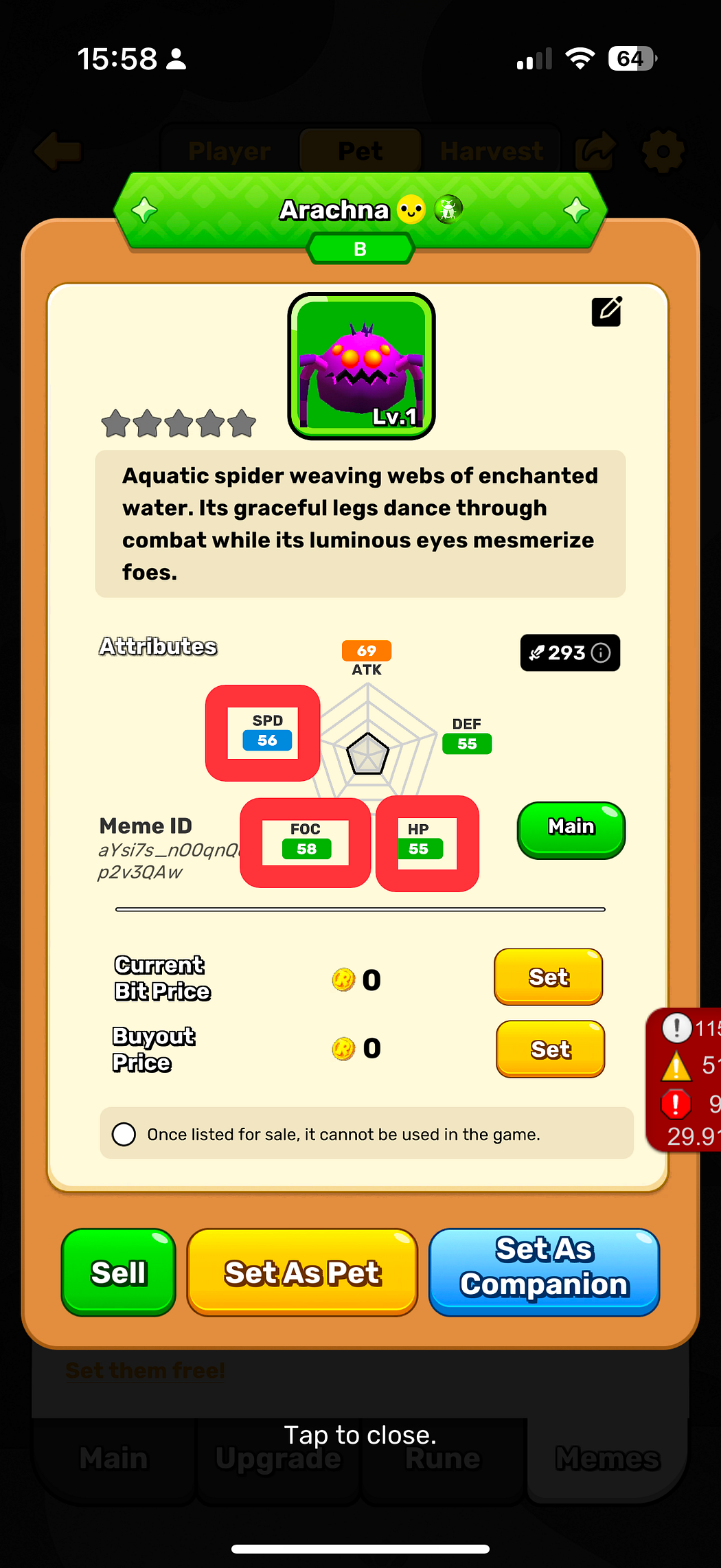
* Open the main game interface → select the **Pet Companion slot**.
* Choose one pet to act as your “**Companion**.”
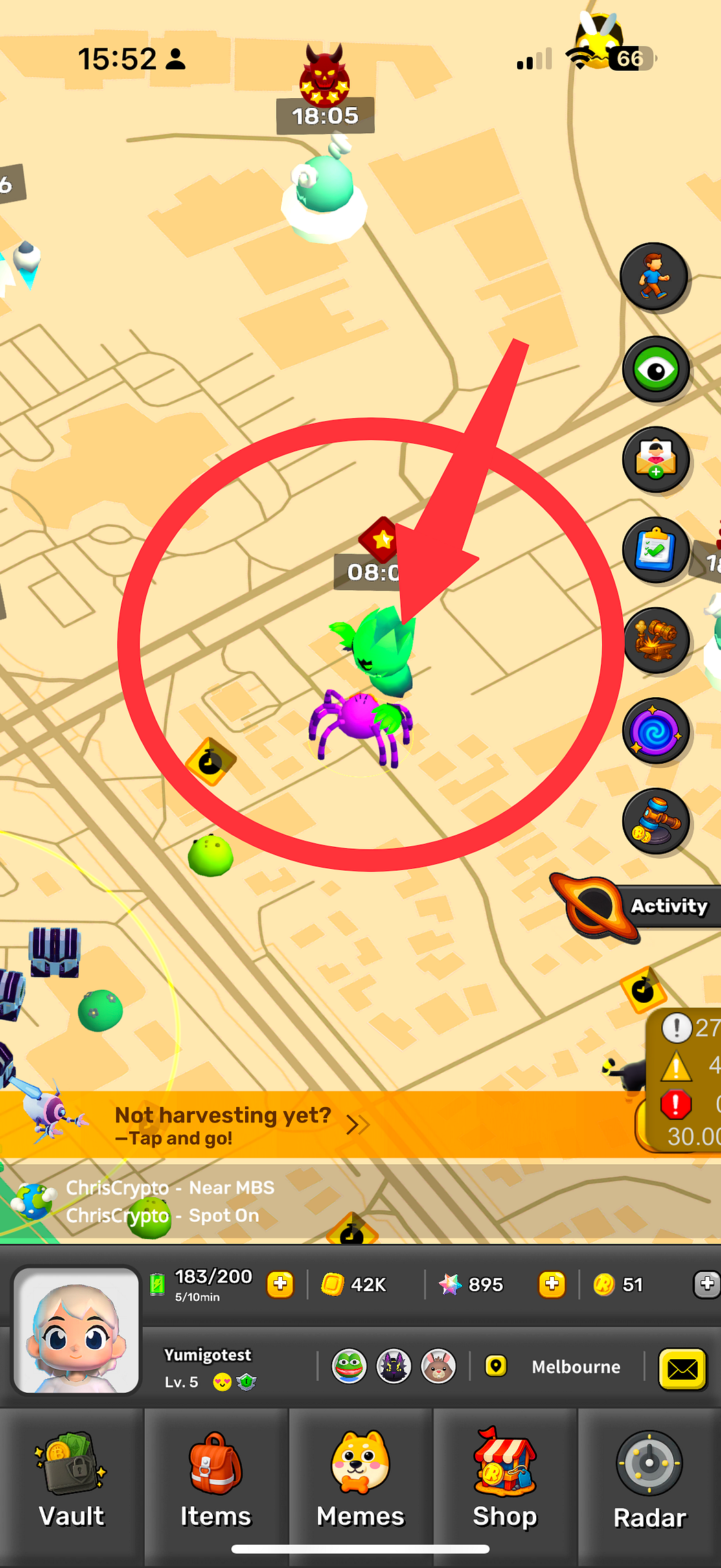
* Once activated, the chosen pet will appear beside your character and follow you on the map.
### (2)How It Works
**1. Switching Modes**
* To enable Pet Companion, tap the switch button on the right.
**2.Exploration Logic**
* Once activated, your character will remain fixed at your GPS location.
* The pet becomes your **movable character**, which you can control to explore the map.
* Encounters during exploration:
* Other pets → you can capture them.
* Boss → you can battle them.
### **(3) Recall Mechanism**
* Pets will automatically return to your side when you log out.
* When the pet comes back, as soon as it enters your character’s circle area, it will be auto-recalled.
* Manual recall is also possible by selecting your following pet and pressing the recall command.
### **(4) Attribute Effects**
When exploring with Pet Companion, three attributes directly affect performance:
1. **Movement Speed** → determined by the pet’s *Speed* stat.
2. **Radar Range** → determined by the pet’s *Focus* stat; higher range means easier discovery of pets and Core Fields.
3. **Energy Consumption** → tied to *HP*; the longer the exploration, the more energy is consumed.
### Key Tips
1. **Manage Energy:** Each time you switch into Pet Companion mode, distance and duration will determine energy consumption.
2. **Attribute Matter:** Higher *Speed* means faster exploration; higher *Focus* means more points of interest discovered.
3. **Pick Pets Strategically:**
Want to farm Core Fields? Choose pets with high *Focus*.
Want to move quickly? Go with pets with higher *Speed*.
**4. Combine With Walking Mode:** Sometimes walking in real life can unlock more of the map — then switch to Pet Companion for remote exploration to maximize efficiency.
### **Quick Flow**
Choose a Pet → switch Pet Companion Mode → Pet explores the map → Encounters pets → Capture / Battle→ Recall → Collect rewards
### FAQ
**Q1: Why can’t I enable Pet Companion?** A: You must first select a pet for a companion and have enough energy to activate it.
**Q2: Can my pet’s speed and radar range be improved?** A: Yes, by leveling up your pet and increasing its attributes, both movement speed and radar range will improve.
**Q3: Can I use Pet Companion and real walking mode together?** A: If your character moves in walking mode, the pet will simply follow you.